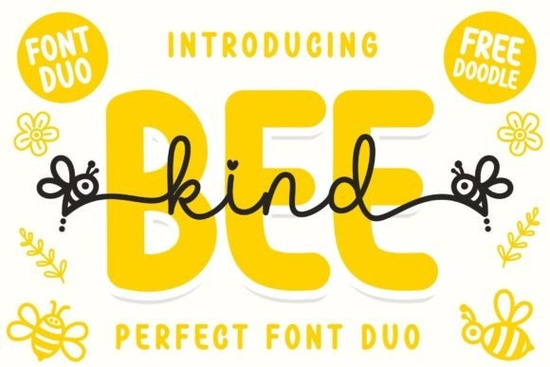
When designing merchandise or crafts for children, typography needs to be friendly, readable, and just a little bit playful. The Bee Kind Duo Font is a great option for print-on-demand sellers and creative hobbyists looking to add that exact vibe to their work. This package includes both a bouncy script and a clean sans display, giving you versatile options for everything from nursery wall art to custom t-shirts. Since it is inspired by cute bees, the overall feel is warm and approachable, making it highly suitable for adorable and kids'-related products. You can easily download the Bee Kind Duo Font to start testing it in your current design software.
How do you access the extra swashes and glyphs?
One of the main frustrations for designers is buying a typeface with beautiful alternate characters but not knowing how to use them. This font solves that problem because it is PUA encoded. This means you can access all of the glyphs and swashes with ease, even if you are using basic software that does not have a dedicated glyphs panel.
On a Windows computer, you can open the Character Map application to copy and paste the extra swirls and tails. Mac users can use the built-in Font Book. If you prefer working in professional programs like Adobe Illustrator or Photoshop, the glyphs panel will automatically organize these extra characters for quick clicking. This flexibility is incredibly useful when you want to add a unique touch to a brand logo or a personalized birthday invitation.
What types of projects work best with this duo?
Having both a script and a sans display in one package means you already have a complete typography pairing. The script font works wonderfully for main titles, names, or short phrases, while the sans display is perfect for subtitles, dates, or longer blocks of text.
Here are a few specific ways crafters and small businesses are using this style:
- Apparel: Printing cheerful quotes on toddler t-shirts and bibs.
- Stationery: Designing custom thank-you cards for baby showers.
- Nursery Decor: Creating wooden name signs or canvas wall art with sweet animal themes.
- Educational Materials: Formatting headers for preschool worksheets or flashcards.
For crafters using cutting machines, the thicker lines of the sans display font are fantastic for vinyl decals. The script version is also cut-friendly, provided you weld the letters together properly in your design space before sending the job to the machine. If you enjoy working with this bouncy aesthetic, you might also like exploring other playful script typefaces in this collection. For those who need more variety for educational printables, the handwriting bundle designed for notebooks provides extra letters and symbols that pair well with children's learning materials. Another excellent option for children's apparel is the handwritten duo style by Brown Carolina, which shares a similar rhythmic bounce.
How can you pair these fonts with other design elements?
Because the lettering itself has a lot of personality, it usually looks best when paired with simple, clean graphics. Think minimalist line art of flowers, basic geometric shapes, or soft watercolor splashes. Overcrowding the design with too many complex illustrations can distract from the beautiful curves of the script.
When choosing colors, soft pastels or bright primary colors complement the kid-friendly nature of the text. If you want something slightly more rustic but still sweet for a woodland-themed nursery, check out the western-inspired script options from Montana. Alternatively, the elegant yet accessible lettering by Shina Qatline works beautifully for more formal baby shower invitations where you still want a handmade feel.
What file formats are included and how do you install them?
Typography packages typically come with OTF (OpenType) and TTF (TrueType) files. Both formats are standard and will work on Mac and PC. The OTF file is usually preferred by designers because it handles advanced typographic features slightly better, but the TTF file is a great backup.
To install, simply download the ZIP folder, extract the files, double-click the font file, and hit install. Once installed, it will be available in your word processors, cutting machine software, and graphic design apps.
A quick checklist before you print or cut:
- Check the kerning (letter spacing) around the capital letters to ensure the swashes do not overlap awkwardly.
- Verify that your cutting machine software recognizes the PUA encoded characters if you plan to cut intricate vinyl decals.
- Test the sans display font at a smaller size to make sure the subtitle remains highly readable.
- Save a copy of your project with the text outlined or converted to shapes, just in case you open it on a computer that does not have the font installed.
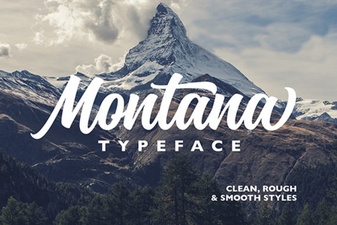 A Modern Font for Creative Montana Projects
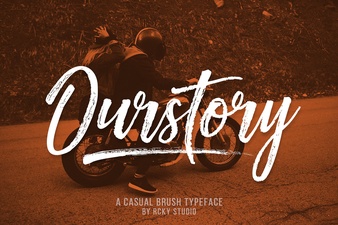 Ourstory Font Duo for Inspiring Design Projects
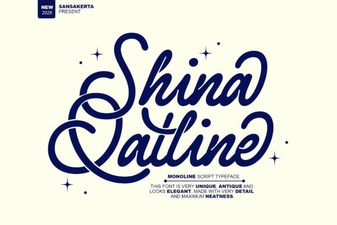 Shina Qatline Font: a Modern Calligraphy Guide
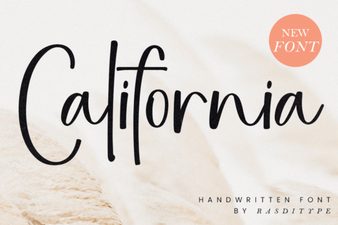 California Font: the Creative California Design Choice
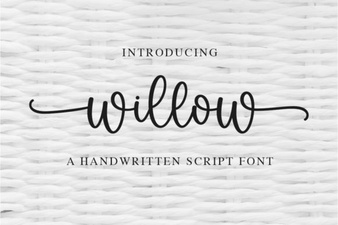 Willow Font: a Creative Toolkit for Modern Design
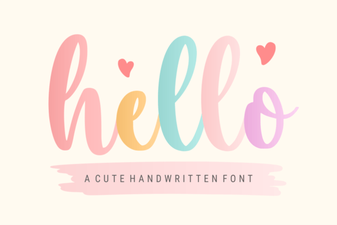 Hello Font Designs to Personalize Your Creative Projects