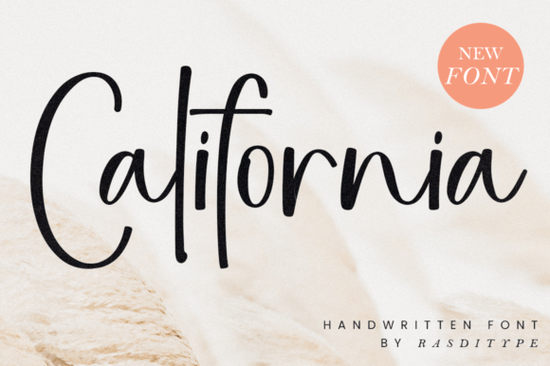
Finding the right handwriting typeface can change the feel of a creative project. The California Font is a beautiful handwritten script designed for creators who need a distinct, timeless look. Whether you are designing wedding invitations, setting up a photography watermark, or branding a small boutique, this style offers a natural flow that feels personal without looking messy. It belongs to the broader category of script fonts, which remain a staple for adding a human touch to digital and print media.
What makes a good handwritten typeface for branding?
When small businesses and print-on-demand sellers choose a script style, readability is just as important as aesthetics. A common mistake is picking a typeface that looks pretty but becomes illegible when scaled down for a clothing tag or a business card. This particular design avoids that trap by keeping the letterforms clean and well-spaced. If you are building a brand identity and want to explore other options with a similar personal feel, browsing through a handwriting collection for everyday projects can give you plenty of versatile alternatives to test alongside your main logo mark.
How can crafters and small businesses use this script style?
Crafters and hobbyists often need flexible lettering for physical products. Here are a few practical ways to apply this flowing script to your work:
- Wedding Stationery: Use it for the couple's names on invitations, place cards, and welcome signs.
- Photography Watermarks: Keep it subtle and elegant so it protects your images without distracting from the actual photo.
- Apparel and Totes: Print it on canvas bags or t-shirts for a relaxed, boutique-style merchandise line.
- Custom Mugs and Tumblers: Wrap the text around curved surfaces for personalized gifts.
If you want to compare this with something a bit more casual for your crafting projects, you might also like the friendly and relaxed lettering style often used in bullet journals and planners.
Which typefaces pair well with flowing scripts?
Pairing a decorative script with the right secondary typeface is crucial for a balanced layout. You never want two highly decorative fonts fighting for attention. Instead, balance the swoops and loops with a clean, simple sans-serif or a classic serif. For example, if you use the script for a main headline, use a basic geometric sans-serif for the body text.
Sometimes, finding the perfect secondary font takes a bit of trial and error. If you need a rugged contrast to balance out the delicate curves, looking into a more rustic and outdoorsy typeface can create a striking visual difference. Alternatively, if your project has a coastal or summery theme, pairing it with a breezy and relaxed duo typeface helps maintain a cohesive, laid-back mood across your entire design. For highly elegant, luxury branding, you might want to test it against a sophisticated and modern calligraphy option to see which combination best fits your client's vision.
What should you check before downloading a new typeface?
Before you commit to using any new lettering in a commercial project, it helps to run through a quick quality and licensing check. This ensures your files are ready for production and legally cleared for your specific use case.
Here is a practical checklist to follow before finalizing your design files:
- Verify the license: Confirm whether the download includes a commercial license, especially if you plan to sell physical products or use it for client branding.
- Check for multilingual support: Ensure the character set includes the accents and special characters you need if your project involves multiple languages.
- Test the kerning: Type out a few common words and check the spacing between letters. Adjust the kerning manually if any gaps look awkward.
- Review the file formats: Make sure you have the OTF or TTF files required for your specific design software or cutting machine.
- Preview at different sizes: Zoom out to see how the text looks when scaled down for a business card, and zoom in to check the vector quality for large banner printing.
Taking a few extra minutes to test your text in the actual layout will save you from having to redo the design later. Try typing out your specific project text to see exactly how the letters interact before sending the final proof to your client or cutting machine.
Get Started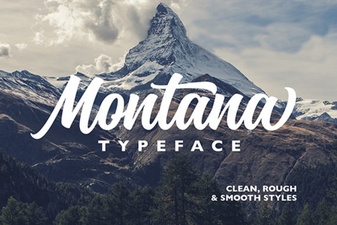 A Modern Font for Creative Montana Projects
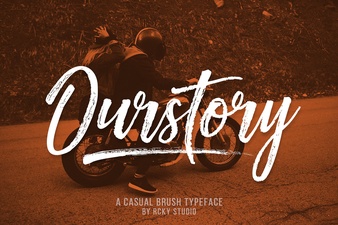 Ourstory Font Duo for Inspiring Design Projects
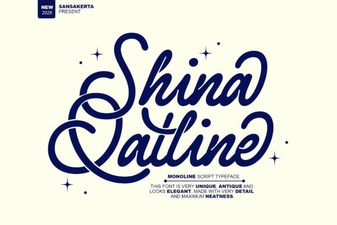 Shina Qatline Font: a Modern Calligraphy Guide
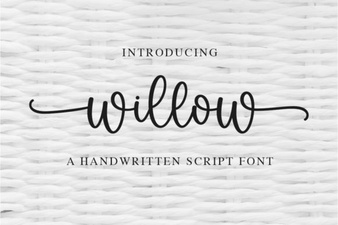 Willow Font: a Creative Toolkit for Modern Design
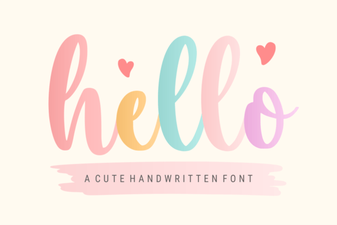 Hello Font Designs to Personalize Your Creative Projects
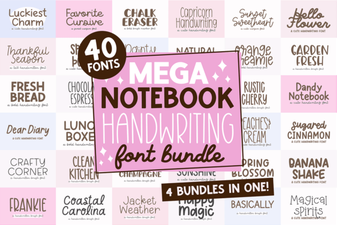 Mega Notebook: Craft Creative Handwriting Projects