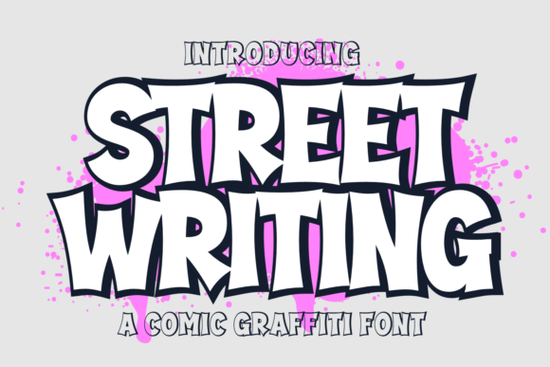
When designing branding materials or streetwear apparel, finding the right typography can make or break the visual impact. If you need bold, highly visible text, the Street Writing Font is a versatile graffiti cartoon typeface built specifically for this purpose. It provides designers, crafters, and small businesses with a complete set of vibrant letters that immediately grab attention. Whether you are creating comic book lettering or distinctive product packaging, this display font brings a loud, energetic personality to your work.
What projects work best with a graffiti cartoon style?
Graffiti fonts naturally draw the eye, making them perfect for promotional materials where readability and style need to balance. You can use this specific typeface for striking watermarks on digital art, eye-catching event posters, and powerful marketing campaigns. Print-on-demand sellers often rely on this kind of graffiti typography for urban-themed t-shirts, skateboard decks, and sticker packs. Crafters cutting adhesive vinyl for custom mugs or laptop decals will also appreciate the thick, continuous lines that prevent tearing during the weeding process. Because the letters have a distinct comic book aesthetic, they fit perfectly into graphic novel covers and youth-oriented branding.
How do the regular and extrude versions change the layout?
The download includes two distinct font combinations: regular and extrude. The regular version gives you the standard, bold outlines of the cartoon style. It works well for smaller text blocks or secondary headings where you still want a street-art feel without overwhelming the reader.
The extrude version adds a three-dimensional shadow effect to every character. This is ideal for main logotype design or large poster titles where you want the text to pop off the page. By layering the extrude version behind the regular version in your design software, you can create custom color combinations and deeper visual statements.
How can you pair this with other display fonts?
While a loud graffiti font is great for headers, small businesses often need contrasting typefaces to build a cohesive brand identity. If your brand story shifts from urban street style to something more traditional, you might want to look into classic varsity-style lettering for a retro sports vibe. Alternatively, if you are designing for a younger audience and need softer edges, choosing a playful dessert-inspired typeface can balance the aggressive lines of street art.
For projects that require a heavier, industrial look, pairing your main title with heavy metallic typefaces creates a tough, mechanical aesthetic. On the other hand, if your product packaging leans towards whimsical children's book layouts, a sweet narrative font will communicate your message much more clearly. Taking the time to explore celestial typography options can also add a unique, futuristic touch to sci-fi comic covers.
What characters are included in the set?
To ensure you can write out full brand names, slogans, and pricing, the set comes fully equipped. It contains a complete set of uppercase and lowercase letters, numerals, and standard punctuation. This means you will not run into missing glyph issues when typing out website URLs or social media handles for your promotional graphics.
Practical checklist for using graffiti fonts in your next design
Before you finalize your artwork, run through these quick steps to ensure your typography looks professional:
- Check the contrast: Make sure your bright graffiti letters stand out against the background. Use a dark background for light text, or vice versa.
- Limit your usage: Use the Street Writing typeface strictly for headlines or logos. Pair it with a simple sans-serif font for the body text to maintain readability.
- Test the extrude layer: If using the 3D version, try changing the shadow color to a complementary hue rather than just black or gray for a more vibrant comic book effect.
- Verify the licensing: Always confirm that your commercial license covers your specific print-on-demand or branding project before selling your items.
Next step: Open your vector software, type out your brand name using both the regular and extrude files, and experiment with a two-tone color palette to see which version best fits your project.
Explore Design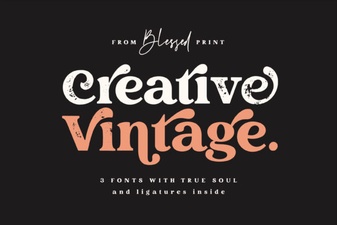 Elevate Projects with Vintage & Creative Typography
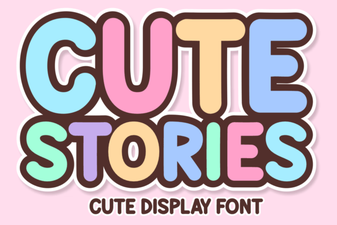 Cute Fonts for Storytelling Projects
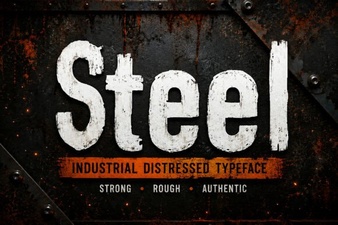 Crafting Sharp Steel Fonts for Digital Design
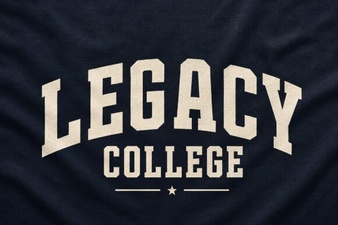 Legacy College Fonts: Design Ideas & Free Downloads
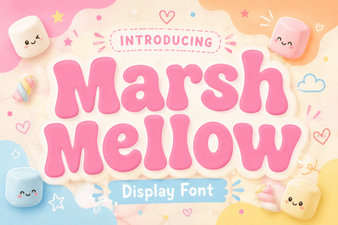 A Free Font for Fun Design Projects
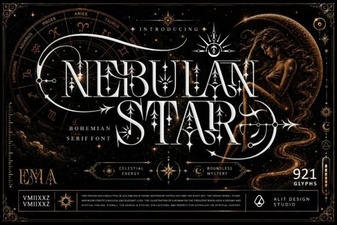 Nebulan Star: a Font for Creative Typeface Projects