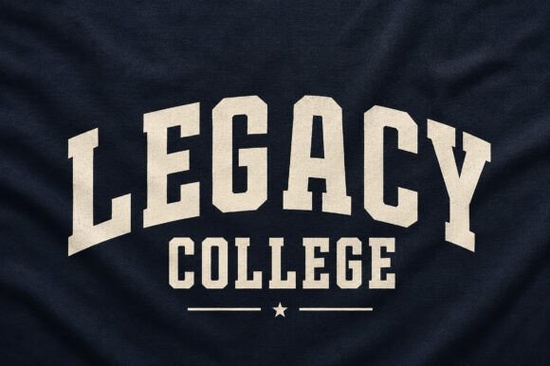
If you are designing merchandise for a local sports team or creating vintage-style apparel for a print-on-demand shop, finding the right typography is half the battle. The Legacy College Font brings a heavy, nostalgic feel to your projects. It mimics the classic block lettering you see on mid-century letterman jackets and old university athletic gear. With its built-in arched baseline and subtle fabric grain texture, this typeface saves you the trouble of manually distressing your text to get that authentic worn-in look. Whether you are a seasoned graphic designer or a hobbyist making custom gifts, having a reliable varsity typeface makes the workflow much smoother.
What makes this typeface stand out for apparel design?
When you work with display typography, texture and shape matter just as much as the letters themselves. This specific design includes a slight curve along the bottom, which naturally fits the contour of a chest or a baseball cap. The built-in grain means you do not have to spend extra time in your vector software adding noise or rough edges. It prints beautifully on heavy cotton hoodies, canvas tote bags, and embroidered patches. If you are mixing different styles in a single project, you might pair it with something more fluid, like a graffiti-inspired brush script, to create a strong visual contrast between the rigid block letters and the loose handwriting.
How do you use arched block letters in commercial projects?
Arched text is a staple in athletic branding, but getting the curve right manually can be frustrating. Because the arch is baked into the font file, you just type your word and it automatically forms the correct shape. This is incredibly useful for small business owners making custom team uniforms or crafters cutting heat transfer vinyl for local school events. You can easily adjust the spacing to make the words look tight and aggressive, or loose and relaxed.
- Varsity Jackets: Place a large, arched school name across the back shoulders.
- Streetwear Brands: Use it for bold, oversized chest graphics on heavyweight t-shirts.
- Event Posters: Create retro-style announcements for campus homecoming or local charity runs.
- Drinkware: Wrap the curved text around cylindrical tumblers for a seamless finish.
Which other styles pair well with heavy collegiate lettering?
Heavy block letters need breathing room. You want to balance the thick, authoritative strokes with lighter elements. For a retro university aesthetic, try combining it with a classic serif typeface from the mid-century era for the smaller subheadings. If you are designing something for a younger audience, a rounded and friendly hand-drawn style can soften the aggressive sports vibe. For celestial or night-game themes, a starry display typeface adds a nice atmospheric touch to the background. And if you are working on an alumni tribute project, a respectful and elegant serif works best for the finer details. Mixing these weights keeps the final composition from looking too rigid.
What should you check before sending your design to print?
Before you finalize your artwork for production, you need to make sure the textured details will actually show up. The fabric grain in this typeface is subtle, which looks great on a screen but might get lost on certain materials. Taking a few extra minutes to review your file can save you from costly reprinting mistakes.
- Check the contrast: Ensure the textured edges stand out against the fabric color. Dark ink on a light shirt usually works best.
- Scale it up: Block letters need to be large. If the text is too small, the grain texture will just look like a smudge.
- Outline your text: Always convert your typography to paths before sending the file to a screen printer to avoid missing font errors.
- Test the arch: Make sure the curved baseline does not cut off the bottom of the letters when placed near a seam or hem.
Once your text is outlined and your contrast is checked, export your file in the highest resolution possible. If you are using a direct-to-garment printer, send a transparent PNG. For screen printing or vinyl cutting, an SVG file will give the manufacturer the cleanest edges. Start by testing a single print on a scrap piece of fabric to see how the texture holds up before committing to a full production run.
Try It Free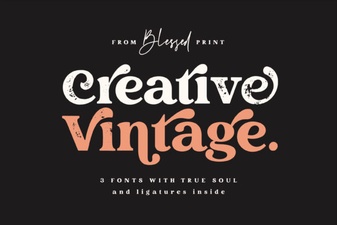 Elevate Projects with Vintage & Creative Typography
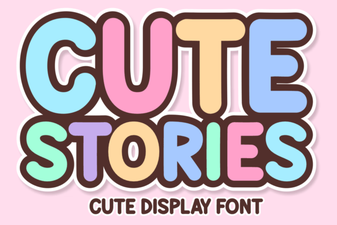 Cute Fonts for Storytelling Projects
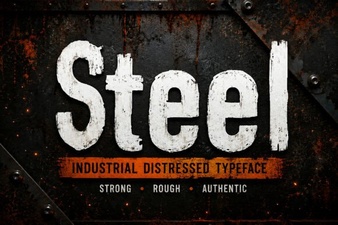 Crafting Sharp Steel Fonts for Digital Design
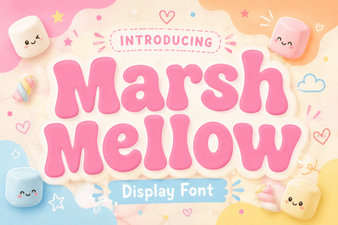 A Free Font for Fun Design Projects
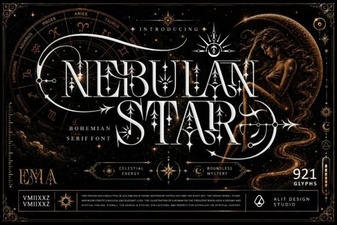 Nebulan Star: a Font for Creative Typeface Projects
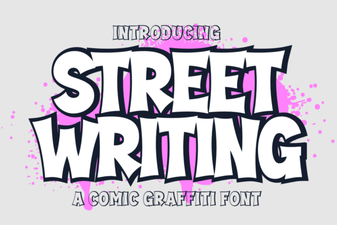 Creative Urban Typography for Digital Projects