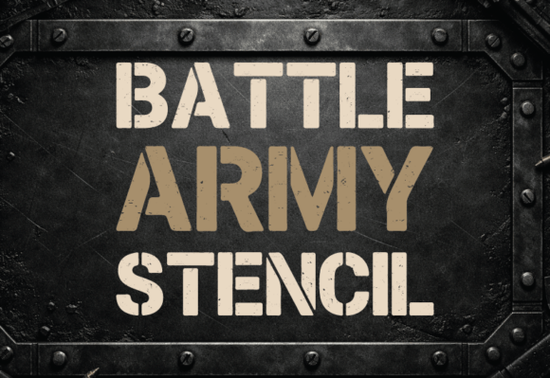
If you need typography that immediately communicates strength and ruggedness, the Battle Army Stencil Font is a practical choice for your next project. This bold sans-serif typeface draws direct inspiration from military stencil typography and battlefield markings. Instead of looking artificially aged, it combines strong geometric letterforms with genuine-looking rugged distress details, scratched edges, and a worn ink texture. It is built specifically for designers, crafters, and small business owners who need high-impact visuals that remain legible.
What kind of projects work best with a military stencil typeface?
This specific style of typography relies on high contrast and raw attitude. It works exceptionally well when you need to grab attention quickly without relying on bright colors. Graphic designers often use these heavy, tactical letterforms for a variety of bold applications:
- Gaming thumbnails and channel art: The gritty texture stands out clearly against dark or busy backgrounds on YouTube, making it ideal for gaming channels and streamers.
- Tactical branding: Security firms, outdoor survival gear brands, and paintball teams benefit from the authentic combat-ready look that this typography provides.
- Event posters: Concerts, fitness competitions, and extreme sports events need bold typography that conveys high energy and physical endurance.
- Apparel prints: Streetwear labels and military-themed clothing lines use this style to create a vintage, utilitarian aesthetic on t-shirts and hoodies.
You can preview and download the Battle Army Stencil directly to test how it fits into your current design mockups.
How do you balance distressed textures with readability?
A common issue with grunge typography is that the heavy distress effects can make the letters impossible to read at smaller sizes. This typeface solves that problem by maintaining a clean, structured foundation. The underlying geometry of the letters remains intact, meaning the words are easy to decipher even with the scratched edges.
To get the best results, keep your text relatively short. This font is designed for headlines, logos, and short impactful statements rather than long paragraphs of body copy. If you are pairing it with other typefaces, look for clean, highly legible options. For instance, if you are designing a tactical logo, you might pair this heavy header with an informal ballpoint style for the subtext to create an interesting visual contrast between the rough and the smooth.
Is this font suitable for print-on-demand merchandise?
Yes, print-on-demand sellers can use this typography effectively, provided you pay attention to the printing method. The worn ink texture and scratched edges look fantastic on direct-to-garment prints and vinyl decals. When designing shirts, the bold letterforms ensure the design is visible from a distance, which is crucial for walking advertisements.
When preparing your files for commercial printing, make sure to outline your text. Because this is a heavily stylized sans-serif font with unique distressing, outlining the text in your vector software prevents any missing font errors when sending the final file to your printing partner.
What software do you need to use these stencil letters?
You do not need expensive or complicated software to start using this typeface. Once installed on your computer, it functions just like any standard system font across different platforms.
- Cricut and Silhouette: Creative hobbyists can use it to cut vinyl decals for tumblers, wooden signs, and garage decor. The stencil bridges are designed to hold the letters together, making the weeding process much easier.
- Adobe Illustrator and Photoshop: Professional designers can manipulate the texture further, adding custom colors or drop shadows to make the text pop off the page.
- Canva: Small business owners can upload the font file to their Canva Pro account to quickly generate social media graphics and promotional flyers.
Practical checklist for your next stencil design
Before you finalize your project, run through this quick checklist to ensure your typography looks professional:
- Check the contrast between your text color and the background. Grunge textures need solid backgrounds to remain readable.
- Limit your usage to titles and short phrases. Avoid using distressed fonts for contact information or fine print.
- Always outline your fonts before sending files to a third-party printer or client.
- Test your design at a small scale to ensure the scratched edges do not blur together and ruin the letterforms.
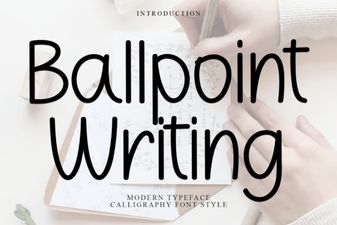 Ballpoint Fonts: Creative Uses & Design Tips
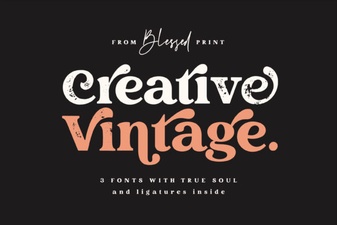 Elevate Projects with Vintage & Creative Typography
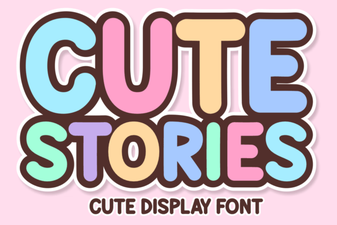 Cute Fonts for Storytelling Projects
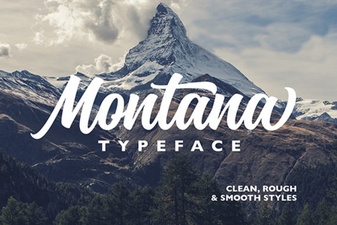 A Modern Font for Creative Montana Projects
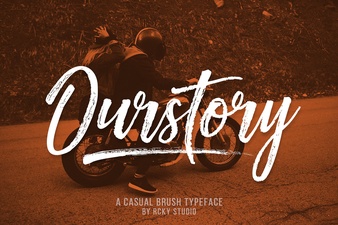 Ourstory Font Duo for Inspiring Design Projects
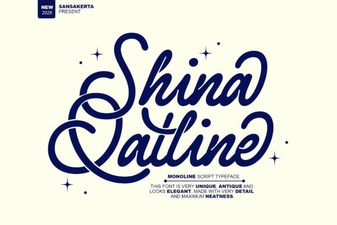 Shina Qatline Font: a Modern Calligraphy Guide